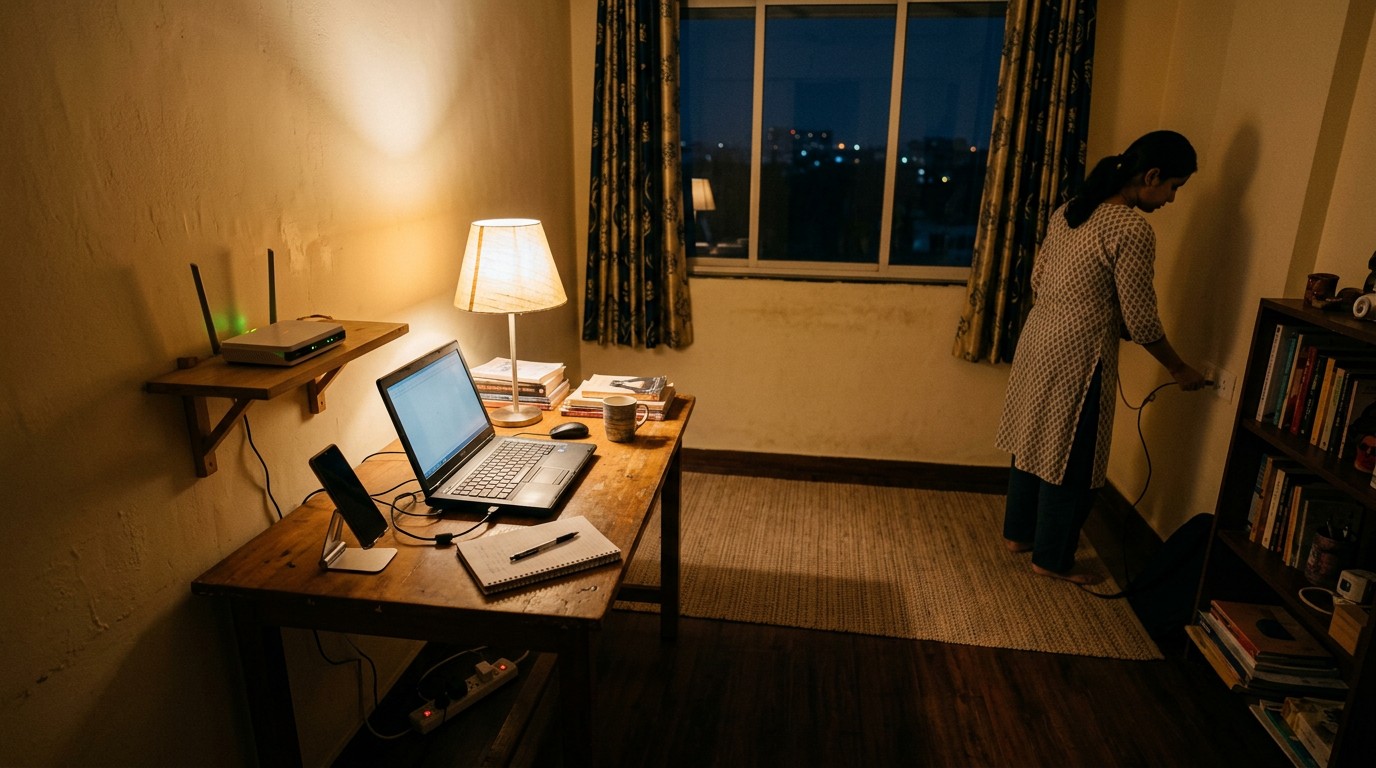
The honest ai training work laptop requirements are lower than most guides claim. Any working Windows or Mac machine with a modern browser and a steady connection covers almost every platform. What actually blocks people is not the laptop. It is the second device: Clickworker and TELUS both require a smartphone as well.
What are the real ai training work laptop requirements?
Here is the thing nobody says out loud: most AI training platforms do not publish a hardware specification at all. We went through their own public pages on 18 September 2026 looking for one, and the pattern was remarkably consistent. What they ask for is a computer, a browser, an internet connection, and increasingly a phone to prove you are a person. Nobody asks for a processor generation.
That is not carelessness on their part. The work happens inside a web tool. A machine that can hold twenty browser tabs open without giving up can do the job. The constraint that actually bites is the one buried in the onboarding: identity verification, a second device, and a connection that stays up for the length of a task.
What does each platform actually say it needs?
Every row below is what the platform itself publishes, read on 18 September 2026, with the page linked. Where a platform is silent, the row says silent rather than guessing on its behalf.
| Platform | Computer | Phone also needed? | What its own page says |
|---|---|---|---|
| Outlier | Not specified | Yes, for signup | The Outlier FAQ lists no device specification. The one hardware item it names is a valid ID and a mobile phone from your country of residence, for the application |
| DataAnnotation | Not specified | Recommended for ID check | The DataAnnotation FAQ asks only for reliable internet access and fluent English, and suggests doing identity verification on a smartphone for image quality, with VPNs switched off |
| Mindrift | Yes | No | The Mindrift FAQ says you can work anywhere, anytime, as long as you have a computer with internet access. No specs, no software to install beyond a browser |
| Clickworker | Yes | Mandatory | Clickworker is explicit: you need a mobile phone or tablet with its app, even if you work on a PC or Mac, because the app confirms two factor authentication. Sharing a device with another Clickworker is prohibited |
| TELUS Digital rater | Yes | Mandatory | Rater listings ask for daily access to a broadband connection, a smartphone running Android 5.0 or iOS 14 or higher, and a personal computer |
| Prolific | Yes | No app exists | Prolific states it has no mobile app and is only available online, through the browser |
| Amazon MTurk | Closing | n/a | Amazon’s own worker page states Mechanical Turk will close on 30 September 2026, which makes its requirements moot |
Two rows deserve a second look. Clickworker’s phone rule is not a suggestion and it has no workaround: no smartphone or tablet means no login, full stop. And TELUS wants two devices at once, which is a real cost if you were budgeting for one. Our Clickworker India review and the TELUS Digital rater page go into what the work itself pays.
Kya phone se AI training ka kaam ho sakta hai?
Partly, and less than you would hope. DataAnnotation says some projects can be done on a phone or tablet while most need a desktop. Everything else in the table above is built around a browser window with several panels in it, and a 6 inch screen is the wrong shape for comparing two model responses side by side.
There is a sharper reason to be careful here. On Prolific, a researcher can mark a study as desktop only, and the platform does not block a phone from opening it. If you take a desktop only study on your phone, your submission can be rejected without the usual approval protection. The screen size is not the risk. The rejection is.
So the practical answer: phone for identity checks and two factor codes, computer for the work. Agar sirf phone hai, start with the platforms that do not gate on a desktop and treat it as a stepping stone rather than a setup.
Why do so many guides list specs the platforms never published?
Search for Outlier’s technical requirements and you will find a confident set of numbers: a minimum of 2GB free RAM, WiFi of at least 2 Mbps, a webcam and microphone, and proctoring software that will not run on a tablet. Those numbers are real. They are also about a completely different company.
They come from the help centre of Outlier.org, an online education company founded by a MasterClass co founder, which sells university credit courses and proctors exams. The AI training platform is Outlier.ai, a different business doing a different thing. One of them invigilates your calculus final. The other pays you to rank chatbot answers. The requirements for sitting a proctored exam have been quietly copied into AI training guides for long enough that they now read as settled fact.
If you have been told you need a webcam and 2 Mbps to work on Outlier, that is where it came from, and it is not a requirement Outlier.ai publishes. One honest caveat: the Outlier help centre itself would not load for us on 18 September 2026, so we are reporting what the public FAQ says rather than the complete internal documentation. If you find a device page inside your own contributor dashboard, that one wins.
What do workers report about device and verification checks?
We read 11 dated public reviews across the Trustpilot pages for two of these platforms, to see where setup actually breaks. These are accounts, not findings: one side of a story, none of them tested or verified by us.
- Clickworker’s Trustpilot page stood at 2.5 out of 5 across 3,168 reviews. A reviewer writing on 31 August 2026 describes a completed survey whose credited earnings were reversed to “timed out” after a forced two factor login, which is the app requirement failing at exactly the wrong moment.
- Another, dated 22 August 2026, describes an account closed shortly after registration with no explanation beyond a profile that did not match requirements. A third, posting a day before we checked, could not raise a support ticket because the system did not recognise their own username.
- Mindrift’s Trustpilot page stood at 3.4 out of 5 across 1,024 reviews, 844 of them in the last twelve months. A reviewer on 8 September 2026 describes OTP verification failing repeatedly at signup, with support replying to investigate.
- Several Mindrift reviews in May 2026 describe the opposite problem: onboarding completed successfully, then weeks of waiting with nothing to do. Not a device issue at all.
The range cuts both ways and we should say so. Two Clickworker reviewers allege the platform harvests identity and facial data, which is a serious claim we could not verify and are not repeating as fact. Others in the same set are simply annoyed about pay. What the set does establish, consistently, is that the setup step that fails is almost never the laptop. It is the phone, the OTP and the identity document.
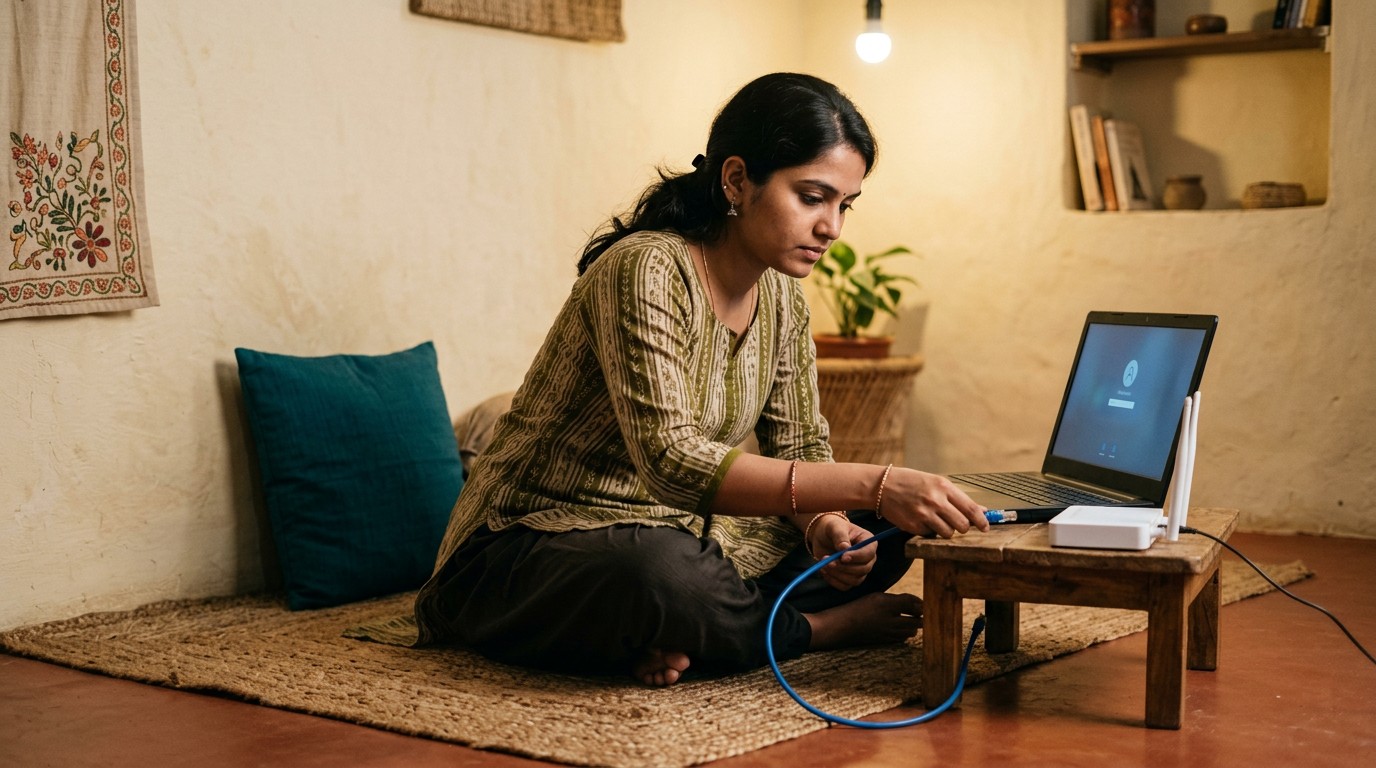
Internet aur bijli: kitna chahiye?
No platform in the table publishes a minimum speed in megabits. TELUS asks for broadband, everyone else asks for reliable or stable internet and leaves it there. In practice the number that matters is not speed, it is uptime, because these tools hold your work in a browser session.
Which leads to the unglamorous equipment recommendation nobody puts in a listicle. A mobile hotspot on a second SIM is worth more to this work than an extra 8GB of RAM, and so is anything that keeps the router alive through a cut. A dropped session in the middle of a timed task is the one hardware failure on this list that actually costs money.
What should you actually buy before applying?
In order of how much difference it makes, and the honest answer for the first two items is nothing at all.
- Nothing, if you already have a working laptop or desktop and a smartphone. Apply first and find out whether you pass the assessment before you spend a rupee. Nobody here charges you to join, and any AI training platform that asks you to pay for equipment or registration is not one.
- A smartphone that can run the current app store versions, since Clickworker mandates its app and TELUS asks for Android 5.0 or iOS 14 or higher. Most phones in use clear this easily.
- A backup connection, because a dropped session during a timed task is the failure mode that costs you actual earnings.
- A second screen, if you are doing comparison work daily. This is a comfort and speed upgrade, not an entry requirement, and it pays for itself only once you have steady task flow.
- A headset, only for the platforms with audio work. Most text based annotation never touches it.
Before you spend anything, check whether the platform takes applicants from India at all, because that gate fails more people than hardware ever does. Our running list of AI training platforms that accept India is the place to start, and the individual reviews of Outlier in India and DataAnnotation in India cover eligibility and pay for the two most asked about. If you were counting on MTurk, the platform closes on 30 September 2026 and the requirements no longer matter.
The short version, then. The laptop question is the one everybody asks and very nearly the only one that does not matter. Spend the worry on the phone, the ID document and the connection instead.
Frequently asked questions
Do I need a high end laptop for AI training work?
No. None of the major platforms publish a processor, RAM or storage requirement on their public pages. The work runs in a browser, so any machine that handles several tabs comfortably is enough. Spend on a reliable connection before you spend on hardware.
AI training ke liye phone zaroori hai kya?
Kuch platforms par haan. Clickworker requires a mobile phone or tablet running its app because that app confirms two factor authentication, and there is no workaround. TELUS rater listings ask for a smartphone alongside a personal computer. Others use a phone only for identity verification.
Can I do AI training work entirely on a mobile phone?
Mostly no. DataAnnotation says some projects work on a phone or tablet while most need a desktop, and the rest of the platforms are built around a browser window with multiple panels. On Prolific, taking a desktop only study on a phone can cost you approval of the submission.
What internet speed do AI training platforms require?
None of the platforms checked publish a minimum speed in megabits. TELUS listings say broadband, others say reliable or stable internet. Uptime matters more than speed here, because a dropped session during a timed task can lose the work.
Kya koi platform equipment ke liye paise maangta hai?
Nahi, and that is a useful test. Legitimate AI training platforms do not charge for registration, training or equipment. A request to pay for software, a licence or a starter kit means you are not talking to one of these platforms, whatever name is on the message.
Is a webcam required to work on Outlier?
Not according to anything Outlier.ai publishes. The webcam and 2 Mbps requirement circulating in guides comes from the help centre of Outlier.org, a separate online education company that proctors exams. The two businesses share a name and nothing else.
Platform rules and rates change without notice. This page was verified in September 2026 and is rechecked on the Sunday refresh. If you hit something different, tell us in the comments and we will update it.

Leave a Reply